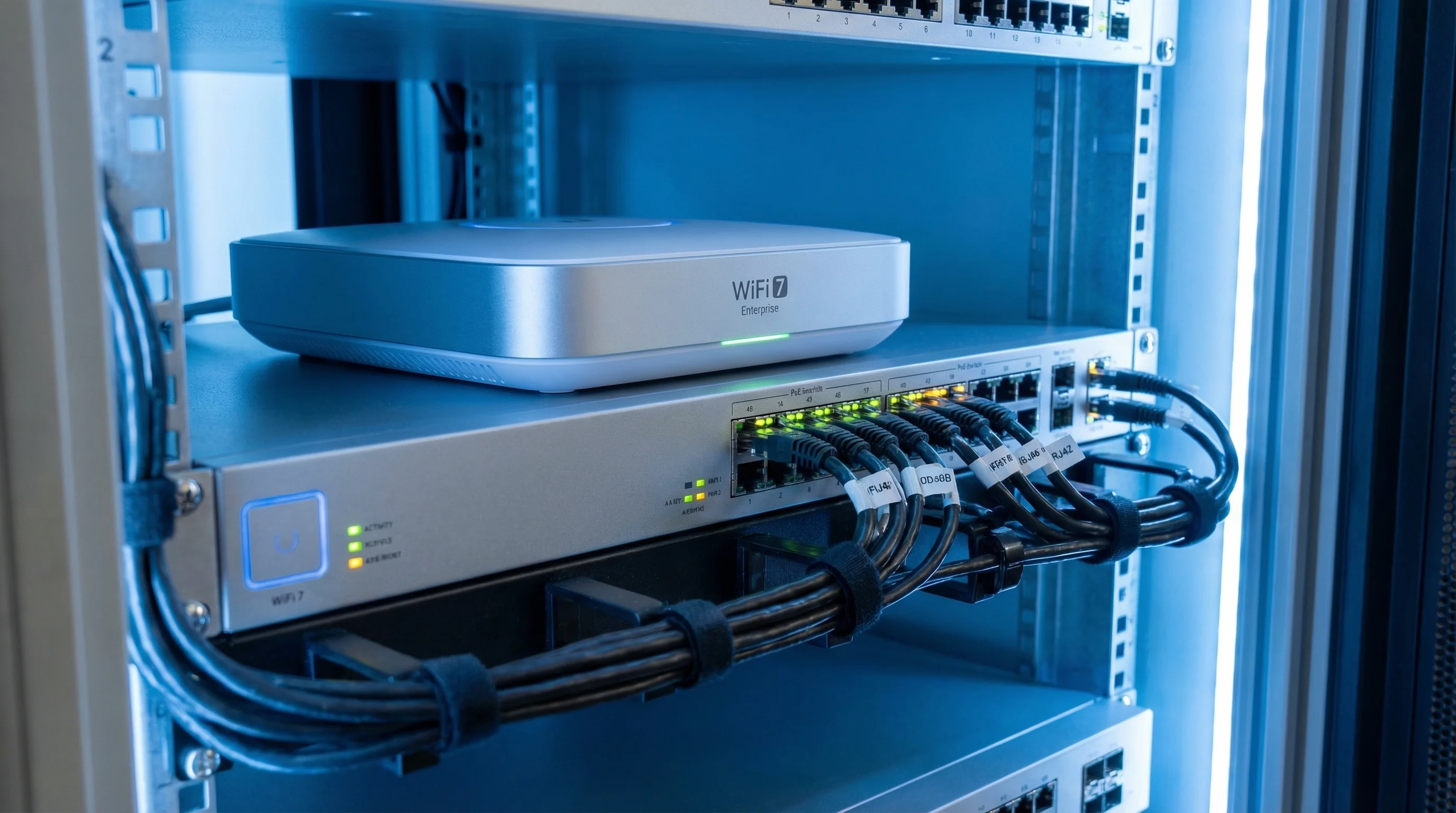

Your new WiFi 7 AP arrives. You plug in the Ethernet cable — nothing. Try a different cable — still nothing. After troubleshooting, you find the real issue: your switch only supports 802.3at (30W), but the new AP requires 802.3bt (60W).
This is not an isolated case. In Q3 2025, WiFi 7 already accounted for 31.1% of enterprise AP revenue (IDC, 2025), and by 2028 it will exceed 90% (Dell'Oro Group, 2025). Yet a large share of deployed PoE switches are still stuck on 802.3af/at — the power infrastructure hasn't kept up.
Common Failures After Deploying WiFi 7
- AP does not power on after connecting Ethernet — PoE standard mismatch
- AP powers on but runs in 2x2 mode only, no speed improvement — 802.3at power insufficient, AP auto-downgrades
- 10 APs installed but only 6 stay online, the rest cycle on and off — switch PoE total budget exceeded
- AP runs normally but throughput caps at gigabit — switch uplink lacks multi-gigabit ports
This article answers three questions: How much power do WiFi 7 APs actually draw? Is your current switch power supply sufficient? And if not, what's the most cost-effective upgrade path?
Why Does WiFi 7 Draw So Much Power?
A quick look at what WiFi 7 (IEEE 802.11be, officially released July 2025) brings compared to the previous generation — and why every improvement pushes power consumption higher:
| Feature | WiFi 6/6E | WiFi 7 | Power Impact |
|---|---|---|---|
| Max channel width | 160 MHz | 320 MHz | Doubled RF duty cycle -> higher PA power draw |
| Modulation | 1024-QAM | 4096-QAM | Increased signal processing complexity -> higher CPU power |
| Multi-Link Operation (MLO) | None | 2.4 + 5 + 6 GHz simultaneous | Three RF chains active at once -> additive power draw |
| Max spatial streams | 8x8 | 16x16 | More antennas and power amplifiers -> linear increase |
| Theoretical max throughput | 9.6 Gbps | 46 Gbps | — |
Bottom line: WiFi 7 AP power consumption is roughly 2x that of WiFi 6 (Dell'Oro Group, 2025). This isn't a design flaw — it's the physics of 320 MHz-wide channels, tri-band simultaneous operation, and more spatial streams. Every one of those improvements costs watts.
WiFi 7 AP Power Consumption: 9 Major Vendors Compared
Power draw varies significantly across WiFi 7 APs — from 21W to 51W depending on brand and tier. Here's real-world data from official datasheets:
| Vendor | Model | Tier | 802.3bt Full Power | 802.3at Degraded Mode | Uplink |
|---|---|---|---|---|---|
| Juniper | AP47 | Flagship | 51W | Downgrade to 2x2 | 2x 10GbE |
| Cisco | CW9178 | Flagship | 47W | Radios disabled | 2x 10GbE |
| H3C | WA7638 | High-end | 39.5W | 26.8W (downgrade to 2x2) | 10GbE + SFP+ |
| Cisco | CW9176 | High-end | 39W | Degraded operation | mGig |
| Aruba | AP-734 | High-end | 36W | USB disabled only | 2x 2.5GbE |
| Extreme | AP5020 | High-end | 35W | 25.5W (USB disabled) | 2.5GbE |
| Cisco | CW9172I | Entry | 32W | Degraded operation | mGig |
| TP-Link | EAP773 | Mid-range | 24W | 22.4W (6 GHz reduced power) | 10GbE |
| Ubiquiti | U7 Pro | Entry | 21W | Full power on 802.3at | 2.5GbE |
Sources: Cisco AP Power Reference; Aruba 730 Series; H3C WA7638; TP-Link EAP773; Ubiquiti U7 Pro; Juniper AP PoE; Extreme AP5020
Key takeaways:
- Of the 9 mainstream WiFi 7 APs listed, 7 exceed the 802.3at (30W) limit
- Flagship APs (Juniper AP47, Cisco CW9178) draw 47-51W, requiring 802.3bt Type 3 (60W)
- Only Ubiquiti U7 Pro (21W) and TP-Link EAP773 (24W) can run at full power on 802.3at
- The H3C WA7638 auto-downgrades to 2x2 mode (26.8W) on 802.3at, cutting performance nearly in half
Is Your Switch Power Supply Still Enough? — Compatibility Matrix
An 802.3at switch isn't completely incompatible with WiFi 7 APs, but many APs will auto-downgrade. This matrix helps you assess quickly:
| WiFi Generation | 802.3af (15.4W) | 802.3at (30W) | 802.3bt T3 (60W) |
|---|---|---|---|
| WiFi 5 (15-25W) | Full power | Full power | Full power |
| WiFi 6 (15-30W) | Partial degradation | Full power | Full power |
| WiFi 6E (25-47W) | Not supported | Partial degradation | Full power |
| WiFi 7 (21-51W) | Not supported | Most degrade | Full power |
Data compiled from Cisco, Aruba, H3C, and Extreme official datasheets (see source links above)
What Does "Degraded Mode" Actually Mean?
When a WiFi 7 AP draws power from an 802.3at port, it doesn't get enough wattage and automatically disables features to reduce consumption. Common degradation modes include:
- 4x4 -> 2x2: Spatial streams cut in half, throughput drops by ~50% (H3C WA7638, Juniper AP47)
- 6 GHz band disabled: Tri-band becomes dual-band, eliminating WiFi 7's biggest bandwidth advantage (TP-Link EAP773 runs at reduced power)
- All radios off: AP functions only as a switch, no WiFi broadcast at all (Cisco CW9178 on 802.3af)
The result: you pay for a WiFi 7 AP and get WiFi 5 performance. Upgrading APs without upgrading power = money wasted.
3 Real-World Scenarios: How to Calculate Your PoE Budget
How much PoE power do you actually need for your project? Using the 4-step calculation method from our PoE Power Budget Guide, let's work through three typical scenarios.
Scenario 1: Mid-Size Office — 30 WiFi 7 APs
A tech company's new office: 3 floors, 10 WiFi 7 APs per floor plus IP phones and cameras.
| Device | Qty | Max Power per Unit | Subtotal |
|---|---|---|---|
| WiFi 7 AP (Aruba AP-734 class) | 30 | 36W | 1,080W |
| VoIP phones | 60 | 5W | 300W |
| Indoor fixed cameras | 12 | 8W | 96W |
| Total | 1,476W |
Add 5% cable loss: 1,476 x 1.05 = 1,550W
80% rule (headroom): 1,550 / 0.80 = 1,938W
Conclusion: Deploy one 48-port PoE++ switch per floor (each with PoE budget >= 650W), or use stacked switches. The switch's internal PSU must support 802.3bt.
For comparison: if the same 30 locations used WiFi 6 APs (21W), total AP power would be just 630W — switching to WiFi 7 increases AP power draw by 71%.
Scenario 2: Hotel Chain — 15 Wall-Mount APs per Floor
A budget hotel with 15 rooms per floor, each with a wall-mount WiFi 7 AP, plus 2 hallway cameras.
| Device | Qty | Max Power per Unit | Subtotal |
|---|---|---|---|
| WiFi 7 wall-mount AP (entry-level, ~25W) | 15 | 25W | 375W |
| Hallway cameras | 2 | 10W | 20W |
| Total | 395W |
Add cable loss + 80% headroom: 395 x 1.05 / 0.80 = 519W
Conclusion: Each floor needs a switch with PoE budget >= 520W. Using a single POE-480W PSU would put utilization at 82% — too tight. Two POE-300W units split across zones is a safer approach.
Scenario 3: School Building — 60 Classrooms
High-density scenario: one WiFi 7 AP (4x4) per classroom plus 10 more in hallways and common areas.
| Device | Qty | Max Power per Unit | Subtotal |
|---|---|---|---|
| WiFi 7 4x4 AP (H3C class, ~40W) | 60 | 40W | 2,400W |
| Common area WiFi 7 AP | 10 | 40W | 400W |
| Cameras + access control | 20 | 12W | 240W |
| Total | 3,040W |
Add cable loss + 80% headroom: 3,040 x 1.05 / 0.80 = 3,990W
Conclusion: You need approximately 4kW of total PoE budget. A typical design: 8 IDF closets, each covering ~9 classrooms, with a switch rated at PoE budget >= 500W in each closet.
Don't want to do the math by hand? Use the PoE Power Budget Calculator — enter your device counts and get the required PSU wattage and recommended models instantly.
Which Upgrade Path Should You Choose?
If your current switch PoE capacity falls short, there are three upgrade paths:
| Option | Approach | Pros | Cons | Best For |
|---|---|---|---|---|
| Option A: Replace the switch | Swap entire unit for an 802.3bt switch | Complete solution; multi-gig uplinks | Highest cost; requires maintenance window | Full refresh, greenfield projects |
| Option B: Replace the PSU module | Keep the switch, swap the internal PoE PSU for a higher-wattage unit | Low cost; no config changes | Switch must support hot-swappable PSU | Best value for budget-constrained upgrades |
| Option C: Add PoE injectors | Insert 802.3bt injectors between switch and AP | Most flexible; add per-AP | Additional failure points; harder to manage | Small-scale AP upgrades, interim solution |
Option B offers the best ROI — many enterprise switches (Cisco Catalyst, H3C, Ruijie, etc.) use modular PoE power supplies that can be swapped independently. This means replacing a single PSU can upgrade an entire switch from 802.3at to 802.3bt power delivery.
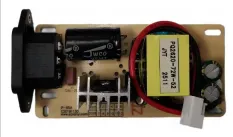
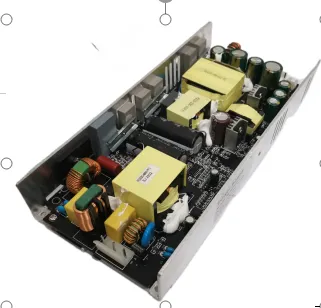
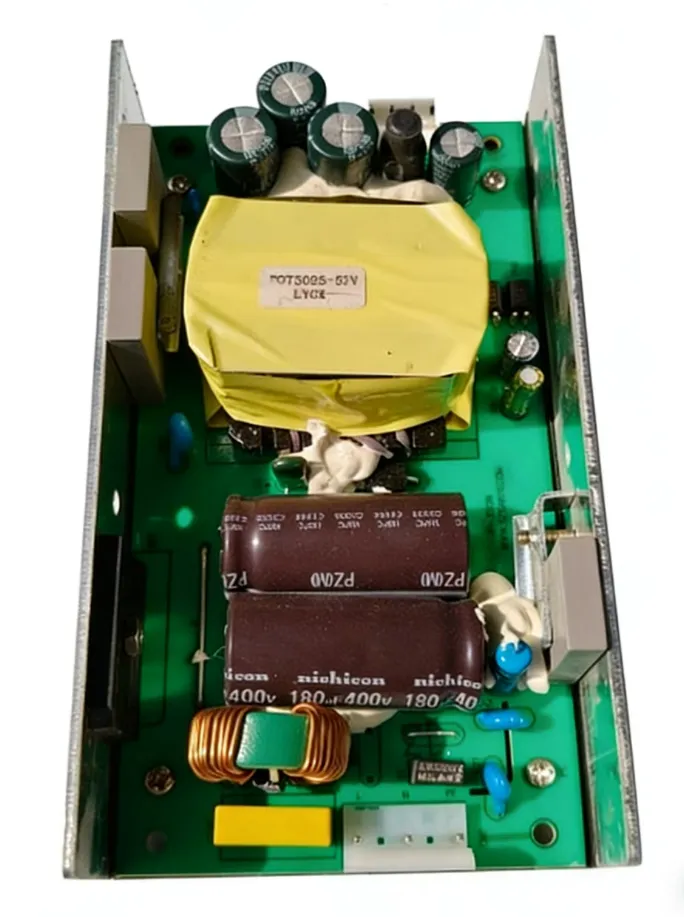
Sanyi's open-frame PoE power supplies are designed for exactly this use case — they install directly inside the switch chassis, replacing the existing PSU module:
| PoE Budget Required | Recommended Model | Typical Use Case |
|---|---|---|
| <= 48W | POE-48W | 1-2 entry-level WiFi 7 APs |
| <= 96W | POE-96W / POE-120W | 2-3 WiFi 7 APs + cameras |
| <= 300W | POE-300W | 6-8 WiFi 7 APs in mixed deployments |
| <= 480W | POE-480W | 10-12 WiFi 7 APs + full floor network |
Models 300W and above include built-in PFC (power factor correction), deliver >= 90% conversion efficiency, and support 24/7 full-load operation. Open-frame design fits mainstream switch chassis.
Timing: Upgrade Now or Wait?
Many IT managers wonder: "WiFi 7 APs aren't widely deployed yet — is it too early to upgrade the power supply?" Here's what the data says:
- Q3 2025: WiFi 7 accounts for 31.1% of enterprise AP revenue, growing ~10 percentage points per quarter (IDC)
- 2027: WiFi 7 will reach ~50% of AP revenue (IDC via Network World)
- 2028: Over 90% of indoor AP revenue will come from WiFi 7 (Dell'Oro)
- AP refresh cycle: Enterprise WiFi is typically replaced every 5-7 years (Network World). If you're still on WiFi 5, you're already overdue
The decision framework is straightforward:
- If you have AP replacements planned within the next 12 months — start preparing the PoE power upgrade now
- If your switch PSU is modular and hot-swappable — upgrade the PSU first, so new APs work on arrival
- If your switch is over 5 years old — do a full switch refresh and go straight to 802.3bt + multi-gig
Don't Forget the Uplink: Gigabit Switches Are a Bottleneck Too
Many people focus solely on whether PoE wattage is sufficient and overlook another critical issue: uplink bandwidth.
WiFi 7 APs have a theoretical throughput of 46 Gbps. Even if each AP only sustains 2-3 Gbps in real-world use, that already exceeds a gigabit uplink's capacity. If the link between your switch and AP is still 1GbE, the AP's performance is throttled by the uplink — you've paid for WiFi 7, but users get a WiFi 6 experience.
This is why multi-gigabit port shipments for enterprise campus switches grew 35% in Q2 2025 (Dell'Oro), and 5 Gbps port revenue CAGR is projected to exceed 20% from 2024-2029 (Dell'Oro).
Upgrade checklist:
- PoE power: 802.3at -> 802.3bt (solve the power problem)
- Uplink: 1GbE -> 2.5GbE / 5GbE / 10GbE (eliminate the bandwidth bottleneck)
- Cabling: Cat5e -> Cat6 / Cat6A (improve both PoE efficiency and data bandwidth)
FAQ
Q: Will plugging a WiFi 7 AP into an 802.3at switch damage it?
No. PoE uses a standard negotiation mechanism (LLDP/CDP) — the AP tells the switch how much power it needs. If the switch can't deliver, the AP won't force-draw power. It will either run in degraded mode or refuse to start. There is no risk of hardware damage.
Q: Do all WiFi 7 APs require 802.3bt?
No. Entry-level 2x2 WiFi 7 APs (e.g., Ubiquiti U7 Pro at 21W) work fine on 802.3at. However, mid-range and high-end 4x4 models almost all exceed 30W and require 802.3bt. Always check the PoE power requirement in the datasheet before purchasing.
Q: What cabling does 802.3bt require?
802.3bt uses all 4 pairs for power delivery (802.3at uses only 2 pairs). Cat5e technically supports it, but Cat6/Cat6A has lower resistance and less loss, which matters significantly at longer runs (>50m). For new installations, Cat6A is strongly recommended.
Q: Can I just add injectors for the WiFi 7 APs and keep the old switch for everything else?
Yes — this is the lowest-cost transitional approach. However, each injector adds a failure point and a power management point. For more than 5 APs, upgrading the switch PSU is recommended for better reliability and manageability.
Q: Will WiFi 7 AP power consumption decrease over time?
Chip process improvements will gradually reduce power draw, but the historical pattern is clear: each WiFi generation sees a 10-15% reduction as it matures, then the next generation pushes consumption back up. WiFi 8 (802.11bn) is already in development and will demand even more power. 802.3bt is not a stopgap — it's the baseline standard going forward.
Summary
The doubling of WiFi 7 AP power consumption is an inevitable consequence of the technology's performance gains — it's not a problem with any particular vendor. Upgrading WiFi without upgrading power = new APs running at old speeds. The action plan comes down to three steps:
- Check — Find the actual wattage requirement of your chosen WiFi 7 AP (refer to the power table in this article)
- Calculate — Use the PoE Budget Calculator to determine total power requirements
- Upgrade — Bring your switch power supply up to 802.3bt level
Next Steps
- PoE Power Budget Calculator — Enter your WiFi 7 AP count and get your PSU requirements instantly
- PoE Power Supply Products — Full range from 48W to 480W, compatible with major switch brands
- PoE Power Budget Basics — Haven't read it yet? Learn the 4-step calculation method first
- Contact Us — Volume purchasing or custom power solutions, with dedicated engineering support