
A 35 mm aluminum frame light box is delivered to a retail mall. The graphic film is bright, the diffuser is even, and the back panel is a sealed sheet of brushed metal. Inside, the integrator has wedged a 50 mm-tall standard switching PSU at an angle, foam-padded against the frame. Six months later the unit fails on a Saturday afternoon — not because the load was too high, but because heat had nowhere to leave the cabinet. The replacement order is a slim 30 mm power supply, and the same fixture has now been running quietly for two years.
This is the everyday reality of slim LED display power supply selection. The cabinet decides the PSU height. The PSU decides the lifetime. And nearly every premature failure in shallow-depth LED fixtures traces back to one of three things — wrong thickness, wrong wattage headroom, or wrong ventilation strategy — not to the brand on the label.
This guide covers how to pick a slim power supply for LED light boxes, digital signage, architectural cove lighting, and ultra-thin advertising displays. It walks through thickness classes, wattage sizing, derating, IP rating, mounting, and how to match the slim PSU family to the depth budget of the fixture.
Why "Slim" Is a Specification, Not a Marketing Word
In standard switching PSU catalogs, height varies between roughly 38 mm and 60 mm. That's fine for control cabinets, equipment racks, and ceiling plenums. It is not fine for the front-lit light box on a pharmacy storefront, the shallow channel letter on a coffee shop facade, or the 40 mm digital menu board behind a quick-service counter.
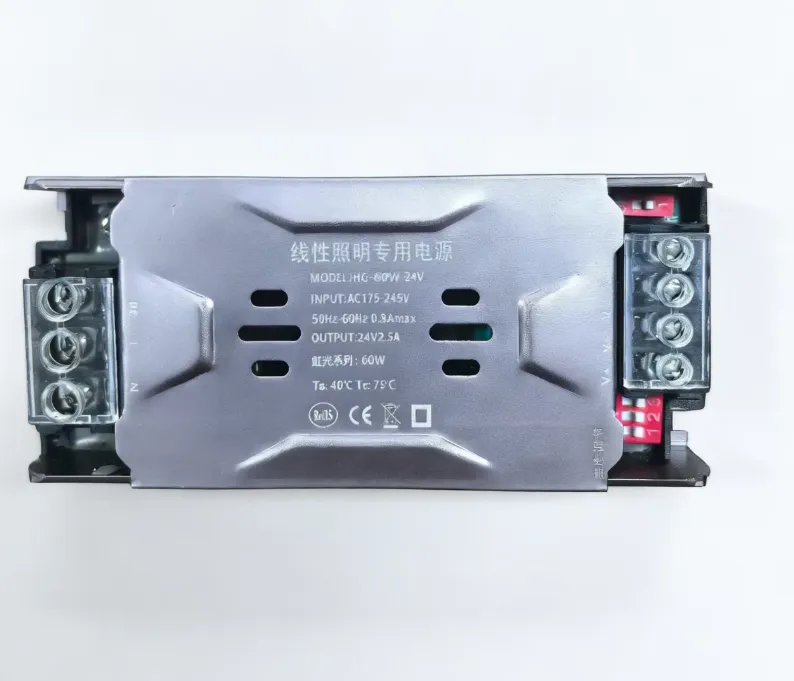
When the cabinet depth is 35 mm, you cannot use a 50 mm PSU — no matter how good its specs are. Slim PSUs solve this by collapsing the housing down to 30 mm or less, typically using:
- A wider, flatter footprint that spreads the components horizontally
- A honeycomb or perforated metal lid for natural convection
- Lower height transformers and electrolytics selected specifically for low-profile builds
A "slim" PSU is therefore defined by height + thermal strategy, not by power rating. Two units rated 150 W can have very different heights, and the slim version is engineered to dissipate that 150 W without the vertical airspace its standard cousin assumes.
Thickness Classes You Will See in the Field
| Class | Typical Height | Common Use |
|---|---|---|
| Ultra-mini slim | 18–22 mm | Decorative cove lighting, paper-thin display backers |
| Slim | 23–30 mm | LED light boxes, channel letters, ultra-thin signage |
| Low-profile | 31–38 mm | Standard advertising boxes, retail menu boards |
| Standard | 38–60 mm | Cabinets, fixtures with rear void, control rooms |
If your cabinet depth (interior, not exterior) is below 40 mm after subtracting graphic film, diffuser, and LED module thickness, you are in slim territory.
Sizing the Wattage: Why Slim PSUs Need More Headroom, Not Less
A common mistake on slim builds is to size the PSU at exactly the LED load — for example, putting a 100 W slim PSU on a 95 W LED module string. The result is a unit running at 95 % continuous load inside a sealed shallow cabinet at 35 °C ambient. That combination shortens electrolytic capacitor life dramatically.
The defensible sizing rule for slim signage PSUs is:
Rated wattage ≥ Continuous LED load × 1.30
The 30 % headroom buys you three things:
- Thermal margin. Slim cabinets trap heat. A PSU running at 70 % load runs cooler than one running at 95 %, and capacitor life roughly doubles for every 10 °C drop in operating temperature.
- LED inrush tolerance. LED modules with internal regulators have a brief inrush spike at power-up. A 30 % margin handles this without nuisance overcurrent shutdowns.
- Long-term ageing. LED forward voltage shifts with temperature and aging. A PSU sized exactly to nominal load can drift into sustained 100 % output as the LED string warms up over its first 10,000 hours.
For a 95 W cabinet, choose a 120 W or 150 W slim unit. For a 150 W cabinet, choose a 200 W slim unit. The cost difference is small. The reliability difference is substantial.
Mapping Wattage to Slim PSU Family
To make the selection concrete, the typical slim PSU family map looks like this:
- 20–36 W — Mini slim units for accent lighting, decorative cove, single-module backers. See the SR Series Mini Slim Power Supply for ultra-thin fixtures.
- 24–60 W — Compact slim for small light boxes, retail badges, narrow channel letters. The SC Series Compact Ultra-Slim Power Supply sits in this band.
- 36–72 W — Slim units for standard medium-format signage, the SP Series Slim Switching Power Supply covers this range.
- 60–120 W — Mid-power slim for full-size light boxes, the SK Series Ultra-Slim Power Supply is the workhorse in this segment.
- 120–200 W — High-output slim for large advertising boxes and multi-module channel letters. The SL Series Ultra-Slim Power Supply at only 30 mm thick handles this range.
Pick the family by the post-derating wattage, not the LED nameplate. A 100 W LED load × 1.3 derate = 130 W → choose the 150 W or 200 W class.
Ventilation: The Real Reason Slim PSUs Fail
The catalog page for a slim PSU often mentions a "honeycomb heat dissipation design." This matters more than buyers usually realize. A slim chassis cannot use a tall heatsink — it has to lose heat through the lid surface and the air around it.
Three ventilation realities determine whether a slim PSU lives a long life:
1. The Cabinet Must Breathe
A fully sealed cabinet at 35 °C ambient becomes a 60–70 °C internal environment within an hour. Slim PSUs are typically rated for −20 °C to +60 °C operation, and the upper bound is hit faster than designers expect. Even one or two ventilation slots (top + bottom for chimney convection) on the rear of the cabinet drop the internal temperature by 8–15 °C.
2. The PSU Must Not Be Sandwiched
Stacking the PSU directly against a metal back panel with no air gap eliminates the lid-side convection the design relies on. Mount with at least 5 mm clearance above the lid. Use raised standoffs, not flush brackets.
3. Avoid Direct Sun on the Cabinet Face
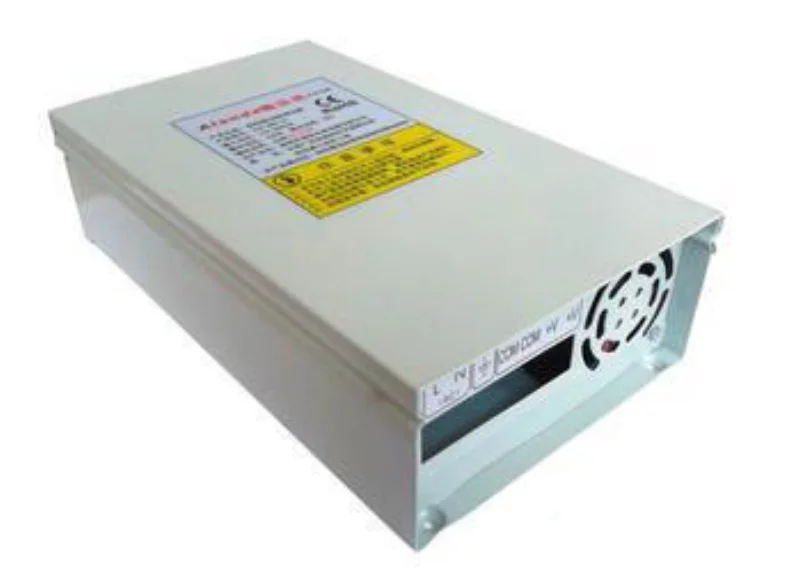
Outdoor-facing light boxes can hit 70 °C cabinet skin in summer afternoon sun. A slim PSU rated for 60 °C ambient will throttle, age, and eventually shut down. For sun-exposed installations consider a rainproof or waterproof low-profile PSU designed for outdoor thermal range, even when the cabinet is technically sealed.
Indoor vs Outdoor: Choosing the Right Sealing Class
Slim PSUs split into two sealing tiers.
| Application | Recommended PSU |
|---|---|
| Indoor light boxes, retail signage, mall menu boards | Standard slim (IP20–IP30) |
| Semi-outdoor (covered storefront, awning, eaves) | Slim with rainproof housing |
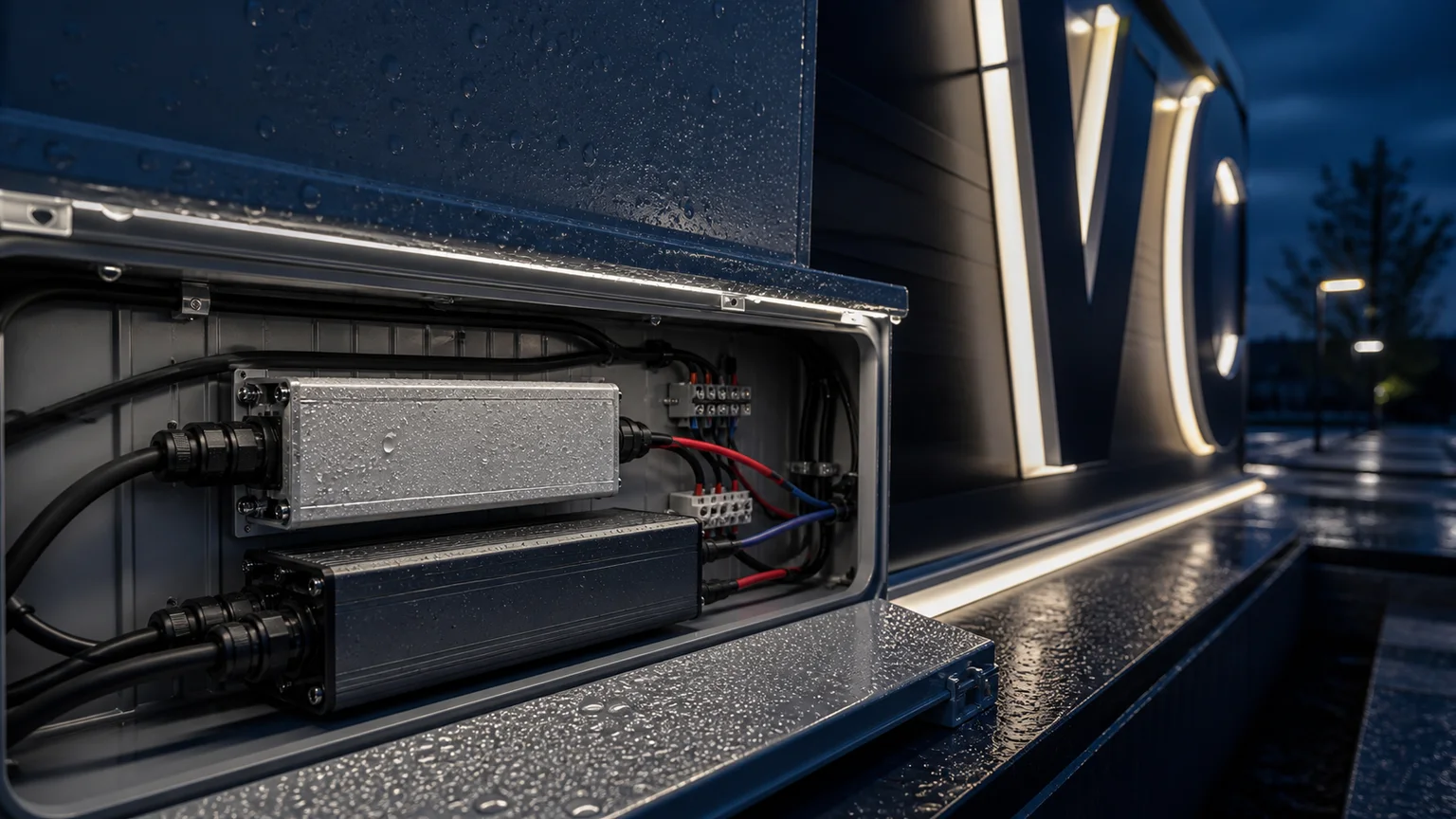
| Fully outdoor (billboards, exposed channel letters) | Waterproof low-profile or sealed potted unit |
A standard slim PSU has open ventilation slots — water ingress is a hard failure mode. For outdoor or wet-area work, step up to a sealed unit even if it adds 5–10 mm of thickness. Slim units exist in IP65 form factors but are typically thicker than the 30 mm class because the potting compound and sealed housing add height.
The Mounting Mistakes That Cost the Most
The three most common slim PSU installation errors:
Mounting the PSU against the graphic film side. Heat from the PSU lid radiates directly into the diffuser, creating visible hot spots and eventually warping the film. Mount the PSU on the back panel side, as far from the graphic as possible.
Daisy-chaining AC input across multiple slim PSUs. Inrush stacking on signage circuits with 4–8 slim PSUs trips the building breaker on first power-up after a long off period. Add a soft-start sequencer or split the units across two breakers.
Running 12 V over long DC cable from one slim PSU to many remote LED modules. Voltage drop on long DC runs causes uneven brightness across the cabinet. Place slim PSUs near the LED load (under 1.5 m DC cable) and use multiple smaller units rather than one large central unit when the cabinet spans more than 3 m.
Indoor Signage vs Architectural Cove: Two Different Slim PSU Profiles
Indoor signage favors a wider, flatter PSU footprint that distributes heat across a large surface. The ventilation lid is the primary heat path.
Architectural cove lighting and shallow ceiling fixtures favor a longer, narrower PSU that fits inside an aluminum extrusion or shallow channel. Here, the side surfaces of the PSU are the primary heat path because the lid is buried in the channel.
When choosing a slim PSU family, match the chassis aspect ratio to the cabinet, not just the height. A wide lid does no good if it's pressed against the channel ceiling.
A Quick Selection Workflow
- Measure the cabinet depth after subtracting graphic, diffuser, LED module, and back panel — this is the available PSU height.
- Calculate the LED load in watts. Multiply by 1.3 to get the target rated wattage.
- Pick the slim family that brackets that wattage and fits within the depth budget.
- Confirm IP rating matches the installation environment.
- Plan ventilation — at minimum two slots on the cabinet, 5 mm clearance above the PSU lid.
- Mount on the back panel side, away from the graphic film, with DC runs under 1.5 m where possible.
This six-step workflow eliminates roughly 80 % of the slim PSU failures seen in the field.
FAQ
What is the thinnest LED display power supply commonly available?
For mass-produced units, 30 mm thickness is the most common slim class for 60–200 W ratings. Below 30 mm you find specialty mini-slim units typically in the 20–60 W range. Going below 20 mm enters bespoke or potted-only territory and is rare in standard signage builds.
Can I use a slim power supply outdoors if the cabinet is sealed?
Only if the slim PSU itself is rated IP65 or higher, or if the cabinet is genuinely sealed and ventilated through a sun-shielded path. Sealed cabinets in direct sun overheat slim PSUs even when no rain ever reaches them. For confidence on outdoor LED billboards, choose a waterproof low-profile unit rated for outdoor temperature range, not a standard slim unit retrofitted into a "weatherproof" enclosure.
Why do slim PSUs in light boxes fail before standard PSUs in equipment racks?
Three reasons compound: the slim chassis has less thermal mass, the cabinet has less air volume, and the load is usually closer to the rated wattage because slim cabinets are space-constrained. The fix is consistent across installations — derate the PSU, ventilate the cabinet, and don't sandwich the unit against metal.
Should I use one large slim PSU or several smaller ones for a long signage cabinet?
For cabinets longer than about 3 m, multiple smaller slim PSUs distributed along the cabinet outperform a single central unit. Voltage drop on long 12 V or 24 V DC cable is the primary reason, followed by easier replacement and better thermal distribution. Two 100 W slim units typically beat one 200 W unit on a 4 m cabinet.
What efficiency rating should I expect from a slim signage PSU?
Most slim units deliver 85–88 % efficiency at typical load. They sit a few points below standard rack PSUs because the slim form factor limits transformer size and heat sink area. The 2–3 point gap is real but rarely matters at signage power levels — a 150 W slim PSU at 87 % wastes about 22 W as heat versus 17 W at 90 %, a difference small enough to be absorbed by good ventilation.
Do slim power supplies need different protection circuits than standard PSUs?
The protection profile is the same — overcurrent, overvoltage, short-circuit, and over-temperature shutdown are standard on quality slim units. What's different is the thermal trip threshold is closer in normal use because the chassis runs hotter. Confirm that the slim PSU you choose has clearly published over-temperature protection, not just overcurrent.
The right slim power supply turns a tight cabinet design into a reliable display. The wrong one becomes a Saturday-afternoon service call. Start from the cabinet depth, derate honestly, ventilate properly, and the PSU stops being the weakest link in the fixture.
正面.webp)