You finished the install. Everything powered up fine. Then two days later, the calls start coming in — cameras dropping offline at random, WiFi access points rebooting every few hours, a PTZ camera that freezes mid-pan. You check the cabling, swap out a camera, even replace the switch. Nothing helps. The problem isn't the hardware. It's the power supply behind the switch.
Classic symptoms of an undersized PoE power supply
- IP cameras going offline intermittently — especially at night when IR LEDs activate
- WiFi APs rebooting on their own, users report "signal keeps dropping"
- Some PoE ports stop delivering power after adding new devices
- PTZ camera freezes or disconnects during pan/tilt movement
- Devices boot-loop after a power outage — coming up, dropping off, coming up again
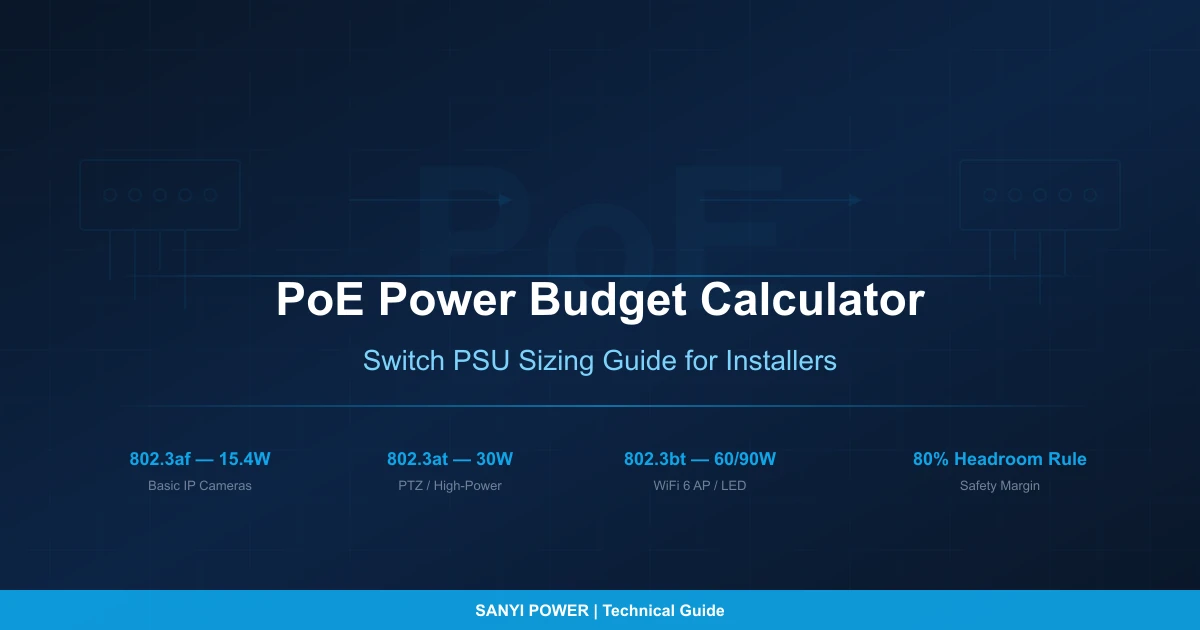
Every one of these points back to the same root cause: the PoE power budget wasn't calculated before installation. This guide shows you the 4-step method to get it right — takes about five minutes with a calculator, or even less with our PoE Power Budget Calculator.
What Is a PoE Power Budget?
It's the total wattage a PoE switch can deliver across all its ports at the same time.
Here's the catch most people miss: a 24-port PoE+ switch with 30W per port (802.3at) should theoretically handle 720W, right? Wrong. Most 24-port switches ship with a PoE budget around 370W — barely half the theoretical max. You physically cannot run all 24 ports at full power.
When the total device load crosses that budget line, the switch starts silently cutting power to lower-priority ports. No alarm, no LED warning on most models — devices just go dark. This is why PoE power problems masquerade as "bad cameras" or "flaky WiFi" for weeks before someone thinks to check the switch's power budget.
IEEE PoE Standards: How Much Power Per Port?
Four PoE standards exist today. Key distinction: PSE output is what the switch sends, PD available is what the device actually gets after cable loss eats the difference.
| Standard | IEEE Spec | PSE Output (per port) | PD Available | Cable Pairs | Year |
|---|---|---|---|---|---|
| PoE | 802.3af | 15.4W | 12.95W | 2-pair | 2003 |
| PoE+ | 802.3at | 30W | 25.5W | 2-pair | 2009 |
| PoE++ Type 3 | 802.3bt | 60W | 51W | 4-pair | 2018 |
| PoE++ Type 4 | 802.3bt | 90–100W | 71W | 4-pair | 2018 |
Source: IEEE standards and FS.com PoE reference
The gap between those two numbers? That's real power burned as heat in the cable. The higher the wattage, the worse it gets — which is why 802.3bt switched to all 4 cable pairs.
Key point: When you calculate your budget, use the device's actual power draw from its datasheet, not the PoE standard max. A camera pulling 8W from a PoE+ port takes 8W from the switch budget — not 30W.
How Much Power Do PoE Devices Actually Draw?
This is where most sizing mistakes happen. Here are real-world numbers from manufacturer datasheets — not theoretical maximums.
IP Cameras
| Camera Type | Typical Power Draw | PoE Standard Required |
|---|---|---|
| Basic fixed indoor dome | 3–7W | 802.3af |
| Outdoor bullet/dome with IR LEDs | 7–12W | 802.3af |
| 4K fixed camera | 10–12W | 802.3af |
| AI / multi-sensor camera | 12–20W | 802.3at |
| PTZ camera (basic) | 15–24W | 802.3at |
| PTZ with heater + wiper | 25–60W | 802.3bt Type 3 |
Sources: Velocity Cabling, 2025; Reolink, 2024
A Reolink 4K camera draws under 12W. A Hikvision PTZ with heater hits 60W and needs a Hi-PoE injector (SpyCameraCCTV, 2024). Same category — "IP camera" — but a 10x power difference. This is exactly why you can't ballpark it. Check every datasheet.
WiFi Access Points
| AP Type | Typical Power Draw | PoE Standard Required |
|---|---|---|
| WiFi 6 dual-band 2×2 | ~15W | 802.3af |
| WiFi 6 quad-stream 4×4 | 25–30W | 802.3at |
| WiFi 6E tri-band 4×4 | 30–45W | 802.3bt Type 3 |
Source: Extreme Networks, 2023
WiFi 6E APs are the most common budget-buster. If you planned around 15W per AP from the WiFi 5 era, upgrading to WiFi 6E triples the power draw to 45W. When the switch can't keep up, you get the classic "WiFi keeps dropping" complaints that no amount of channel tuning will fix.
VoIP Phones & Access Control
| Device | Typical Power Draw | PoE Standard Required |
|---|---|---|
| Basic VoIP phone | 3–5W | 802.3af |
| VoIP with color screen / sidecar | 6–12W | 802.3af |
| Video conference endpoint | 12–20W | 802.3at |
| Electronic door lock | 3–8W | 802.3af |
| Door controller + reader + lock | 8–15W | 802.3af/at |
Sources: Cisco PoE FAQ; Velocity Cabling, 2025; Anixter, 2024
The 4-Step PoE Power Budget Calculation
This is the method professional installers use. Run through it once and you'll never have a PoE power surprise again. Or skip the math and use our PoE Power Budget Calculator directly.
Step 1: List Every PoE Device — Use Max Power, Not Typical
Pull up the datasheet for each PoE device in your project. Write down the maximum rated wattage, not the typical. Why max?
- IR cameras draw 6W by day, but 10W+ at night when the LEDs switch on
- PTZ cameras spike from 15W to 25W when the motor runs
- WiFi APs jump from 12W idle to 25W under heavy client load
If you plan around typical numbers, you'll be fine Monday morning and failing Friday night.
Step 2: Add Up the Total
Total device load = Σ (max power per device × quantity)
Step 3: Add Cable Loss
Ethernet cable has DC resistance — the longer the run, the more power you lose as heat. The U.S. Department of Energy measured this (DOE Study, 2019):
- Under 50m with Cat6 → multiply by 1.05 (5% loss)
- 50–80m with Cat5e → multiply by 1.08 (8% loss)
- Over 80m → multiply by 1.12 (12% loss — and seriously consider Cat6A)
Step 4: Apply the 80% Rule
Never plan to use more than 80% of the switch's PoE budget (Omnitron Systems, 2025). That 20% headroom isn't waste — it covers:
- Inrush current — devices draw 2–3x normal power for a few seconds at boot
- Future expansion — a couple more cameras next year won't require a PSU swap
- Firmware updates — new firmware features can raise baseline draw
- Temperature derating — PSUs deliver less power in hot enclosures
Required PSU wattage = total after cable loss ÷ 0.80
Worked Example: 16-Camera Office Complex
| Device | Qty | Max Power Each | Subtotal |
|---|---|---|---|
| Outdoor IR dome camera (1080p) | 8 | 10W | 80W |
| Indoor fixed dome camera | 4 | 6W | 24W |
| PTZ camera (lobby, parking) | 2 | 30W | 60W |
| WiFi 6 AP (4×4) | 3 | 25W | 75W |
| VoIP phone | 8 | 5W | 40W |
| Total | 279W |
- Cable loss at 5% → 279 × 1.05 = 293W
- 80% rule → 293 ÷ 0.80 = 366W
- You need at least a 370W PoE PSU.
A 300W PoE PSU would leave only 7W of headroom here — dangerously tight. A 480W PoE PSU runs at a comfortable 61% utilization with room to grow.
Don't want to do this by hand? Open the PoE Power Budget Calculator — enter your devices, pick your cable scenario, get a PSU recommendation instantly.
Cable Length vs. Power Loss
Longer cable runs and thinner wire gauge mean more power lost before it reaches the device. The numbers:
| Cable Type | AWG | Resistance (Ω/100m) | PoE Loss at 50m |
|---|---|---|---|
| Cat5e | 24 AWG | 18.8 Ω | ~6% |
| Cat6 | 23 AWG | 14.7 Ω | ~5% |
| Cat6A | 23 AWG | 14.7 Ω | ~5% |
Under worst-case IEEE conditions, standard PoE cable loss hits ~15%. At 90W (802.3bt Type 4), it can reach 20.8% (Cabling Installation & Maintenance, 2019).
Practical guidelines:
- Under 50m, Cat6 — 5% loss factor, verified by U.S. DOE testing (DOE, 2019)
- 50–80m, Cat5e — plan for 8–10% loss
- Over 80m or high-power devices (>60W) — use Cat6A, or better yet, place a switch closer to the device cluster
The worst-case scenario is a high-power PTZ camera at the far end of a 90m Cat5e run. If you're seeing a PTZ camera that works fine during the day but freezes or disconnects at night, cable loss compounded by IR LED power draw is almost certainly the cause.
4 Mistakes That Cause PoE Power Problems
Mistake 1: Using PoE Standard Max Instead of Actual Device Power
A 6W camera on a PoE+ port doesn't consume 30W from the switch budget. It uses ~6W plus cable loss. Planning with standard maximums inflates your estimate 5x, leading to either overspend or a false sense of security when the switch shows "plenty of budget remaining."
Mistake 2: Planning Around Daytime Power, Failing at Night
IR cameras are the sneakiest budget drains. Daytime draw might be 6W. Night draw with IR LEDs fully on: 10W+. If your cameras go black at night but work fine during the day, this is almost always why. Use the max (night mode) rating for every IR camera.
Mistake 3: Confusing PSU Wattage With PoE Budget
A 500W power supply on a switch does not mean 500W of PoE budget. The switch's own CPU, fans, RAM, and switching fabric consume power too. The actual PoE budget might be 370W. Always check the PoE Power Budget spec — not the PSU label.
Mistake 4: Ignoring Simultaneous Boot After Power Outage
During normal operation, devices power up one at a time. After a power outage, every PoE device boots simultaneously. Inrush current can spike to 2–3x normal draw for several seconds. Without headroom, the switch can't supply all ports at once — devices enter a boot loop, coming up and dropping off in cycles. This is why the 20% headroom rule exists.
Quick Reference: System Size → PSU Wattage → Product
| System Size | Typical Load | Recommended PSU | Sanyi Model |
|---|---|---|---|
| 2–4 basic cameras | 12–28W | 48W | POE-48W |
| 4 cameras + 1 AP | 30–50W | 65W | POE-65W |
| 4–8 cameras + 2 APs | 50–80W | 96–120W | POE-96W / POE-120W |
| 8–16 cameras + APs + phones | 120–240W | 300W | POE-300W |
| 16–32 cameras + PTZ + full network | 240–380W | 480W | POE-480W |
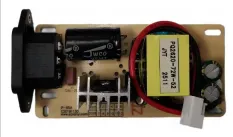
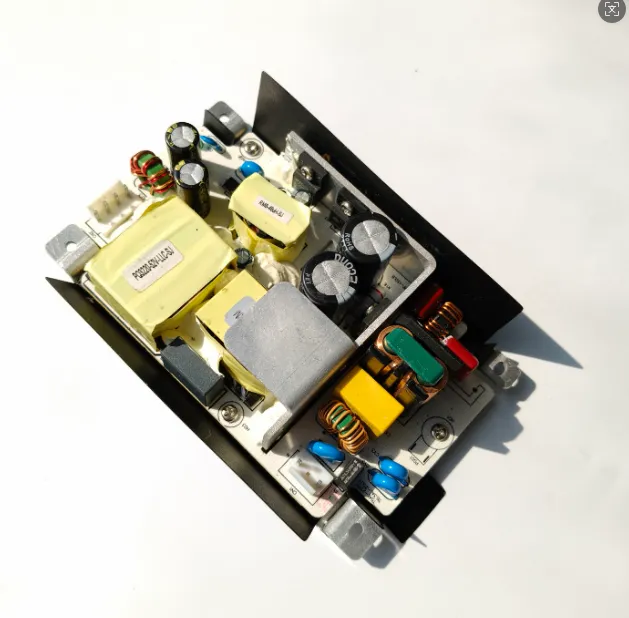
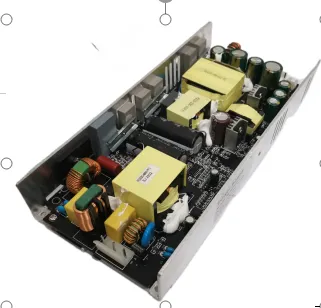
All Sanyi PoE power supplies are open-frame for chassis integration, with built-in PFC on 300W+ models and high-efficiency / low-temperature-rise operation for 24/7 infrastructure.
Why PoE Power Demands Keep Growing
Three trends are compounding PoE power requirements year over year:
- WiFi 6E and WiFi 7 — new APs draw 30–45W each, 2–3x what WiFi 5 needed. Every enterprise WiFi refresh doubles the PoE budget.
- AI-powered cameras — edge AI cameras with on-device analytics draw 15–25W, pushing installs from 802.3af into 802.3at territory.
- Single-cable convergence — PoE lighting, PoE sensors, PoE access control are consolidating building systems onto Ethernet. One cable for power and data cuts install costs 30–50%, but the PoE power supply has to carry the combined load.
For switch OEMs and system integrators: PoE budgets are growing, and the PSU inside the switch has to keep up.
Frequently Asked Questions
Q: Why does my IP camera keep going offline at night?
The most common cause is PoE power budget exhaustion. IR cameras draw 30–50% more power at night when the infrared LEDs activate. If the switch's PoE budget was sized for daytime power draw, the extra night load pushes it over the limit — and the switch silently drops lower-priority ports. Check your switch's PoE utilization dashboard at night to confirm.
Q: Why are my PoE cameras showing a black screen intermittently?
Intermittent black screen on PoE cameras usually means the switch is power-cycling the port. This happens when total PoE demand exceeds the budget — the switch cuts power to lower-priority ports, the camera reboots, draws power again, and the cycle repeats. Calculate your actual power budget using the 4-step method above, or use our PoE calculator to check if you're over budget.
Q: Can I mix 802.3af and 802.3at devices on the same switch?
Yes. The switch auto-negotiates power class with each device. A 5W VoIP phone and a 25W PTZ camera share the same switch without issues — each draws only what it needs. The limiting factor is total budget, not per-port standard.
Q: Should I use Cat5e or Cat6 for PoE?
Cat6 (23 AWG) has lower DC resistance than Cat5e (24 AWG), meaning less voltage drop and power loss at the same distance. For any new PoE installation — especially runs over 30m or devices over 15W — Cat6 or Cat6A is the right call. The cost difference is negligible versus the efficiency gain.
Q: Why does my PoE switch not power all ports?
If a PoE switch won't power all connected devices simultaneously, the PoE power budget is exceeded. Managed switches show this in their dashboard or logs. The fix: calculate your actual total load using the 4 steps above, then either redistribute devices across multiple switches or upgrade to a higher-wattage PoE power supply.
Q: Is there a quick estimation formula?
For camera-heavy systems: (cameras × 12W) + (APs × 25W) + (phones × 5W) × 1.3 gives a rough number including cable loss and headroom. This assumes standard IR dome cameras — add extra for PTZ or AI models.
Stop Guessing, Start Calculating
PoE power budget failures don't announce themselves — they show up as "random" camera blackouts, WiFi drops, and devices that won't stay online. The fix is a five-minute calculation before you install, not a week of troubleshooting after.
Next steps
- PoE Power Budget Calculator — enter your devices, get instant PSU sizing and product recommendations
- PoE Power Supply Product Line — 48W to 480W open-frame PoE PSUs
- Contact Us — custom wattage, voltage, or OEM/ODM configurations
Meta description: IP cameras going offline? WiFi APs rebooting? Calculate your PoE power budget in 4 steps — device wattage tables, cable loss, the 80% headroom rule, and switch PSU sizing guide.